For Jewelers
Stop waiting daysfor work that takes minutes.
CAD Renders. Photos. Model shots. Videos — all in minutes.Plus the tools to level up your store.
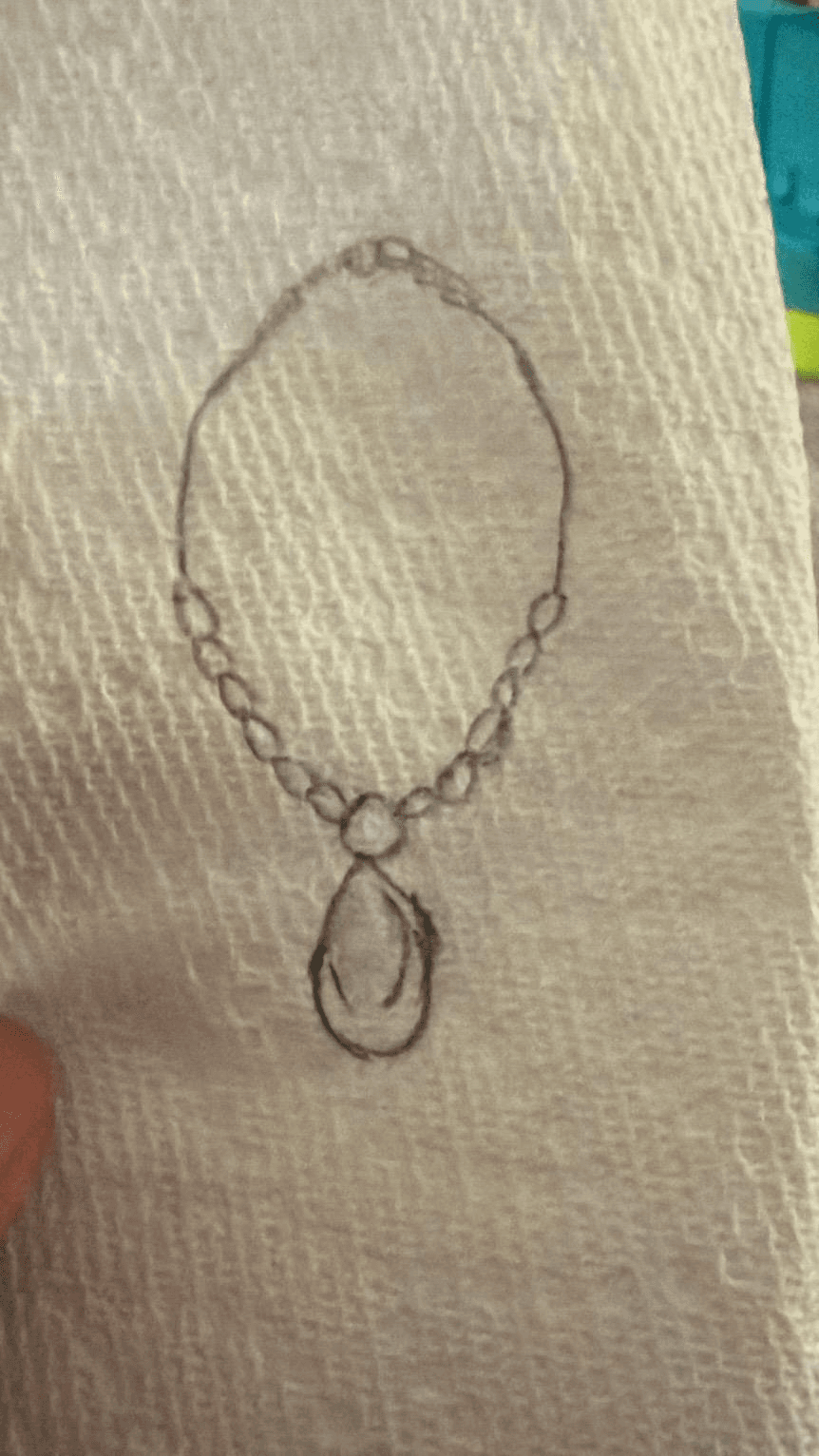
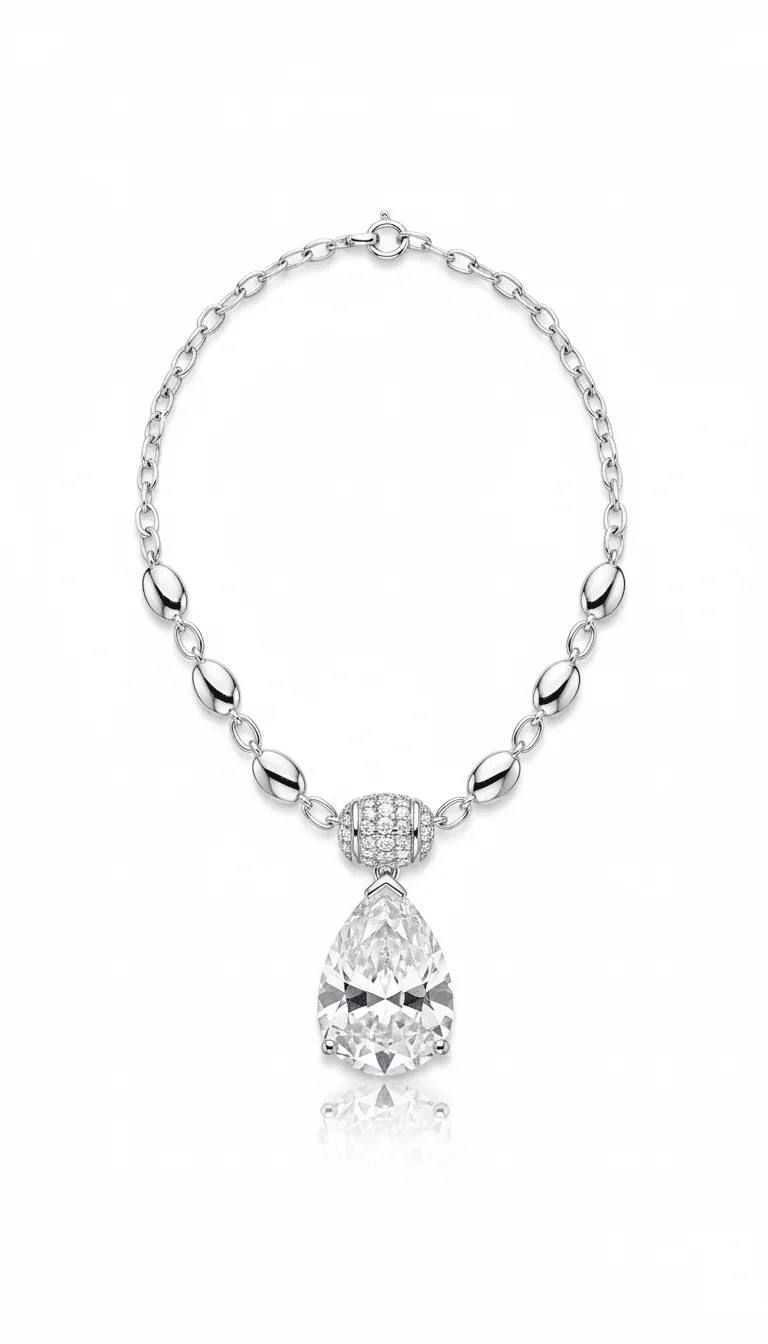
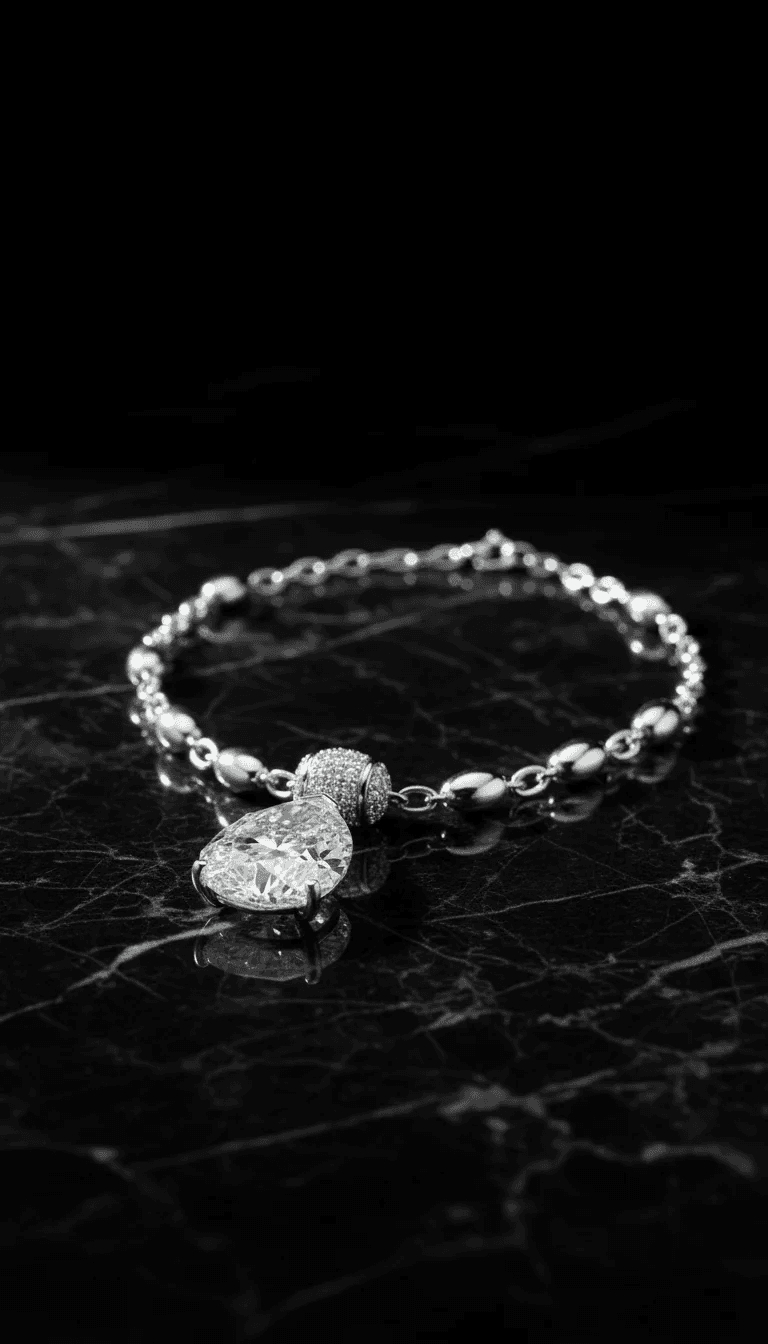
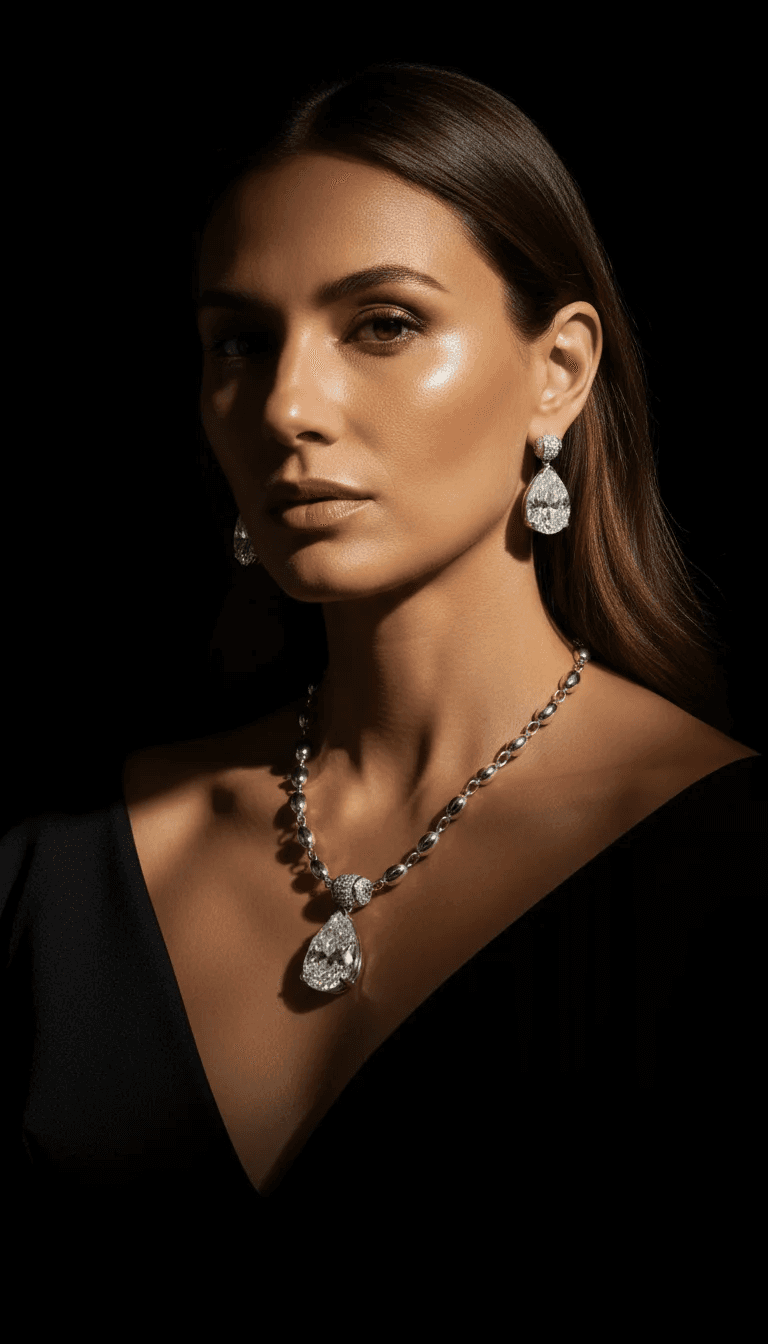
It started with a sketch on a tissue paper — the way every great piece begins.
✦Design Studio✦Product Photography✦Model Shoots✦Video Studio✦Client Portal✦Order Management✦Catalog
We know the challenges you face
Custom jewellery is personal work. Managing the business side shouldn't get in the way.
Sketches buried in 47 WhatsApp messages
Revision images lost in chat threads — nobody can find the right version when it matters.
A client who swore she said yes, but can't find the message
"I never approved that" — and you have no timestamp, no signature, nothing to show them.
Creative tools built for agencies charging $500/image
Concept photography costs $59–$300+ per image. CAD renders can cost $500+. Zavara changes that.
Three notebooks, two apps, and still something slips through
Details in chat, files in email, notes in a spreadsheet. Nothing connects and nothing is findable.
Zavara is the answer
Everything in one place
Everything you need to run your studio — from first concept to delivered piece.
Client Portal
Every project gets a portal. Magic link — no account, no password, no friction.
Design Revisions
Upload CAD renders with version notes. Clients browse the full history in one place.
Formal Approvals
Every approval locked with a timestamp and name — your protection if questions arise.
Project Messaging
A dedicated chat thread per project. Context is always where you need it.
Zavara-powered
Design Studio
Generate polished concept images in seconds. Upload a reference sketch, configure the design, and share striking visuals with clients before a single cut is made.
Zavara-powered
Photography Studio
Phone photo in. Professional product shot out. Model lifestyle shots too — no photographer, no studio, no cost. Save $59–$300+ per image — every time.
NEW
Video Studio
Turn your jewelry photos into cinematic product videos and model animations — ready for social media, websites, and client presentations.
- Cinematic camera movements
- Product & model animation
- 5s and 10s clips
Zavara Design Studio
From sketch to concept in seconds
Your client can't picture a sketch. But they can fall in love with a render.
Upload a reference image, describe the design, and generate professional concept art your clients can react to immediately. No waiting for CAD. No expensive renders before you know they love the direction.
- Design mode — stylised concept art and variations
- Photography mode — photorealistic product renders
- Chat to refine and iterate on your vision
Design Studio
3 concepts generated
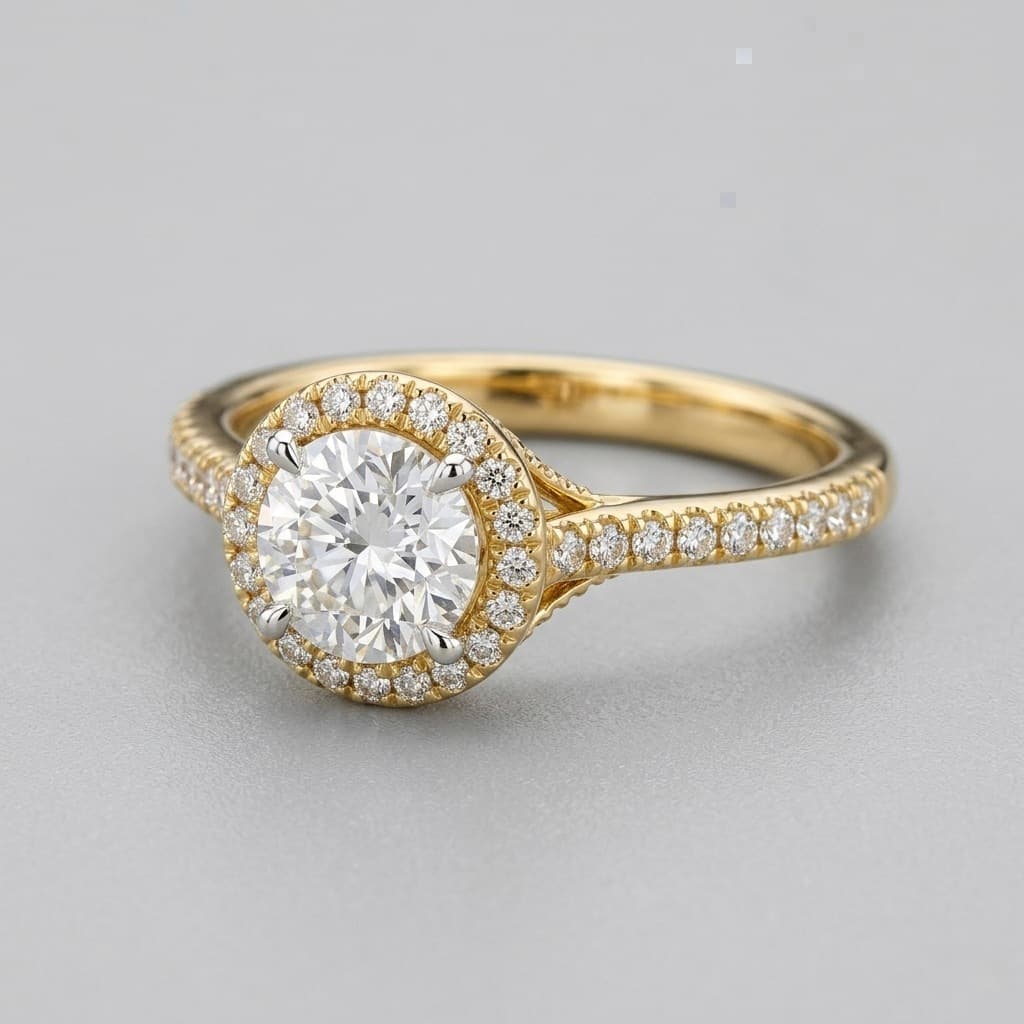
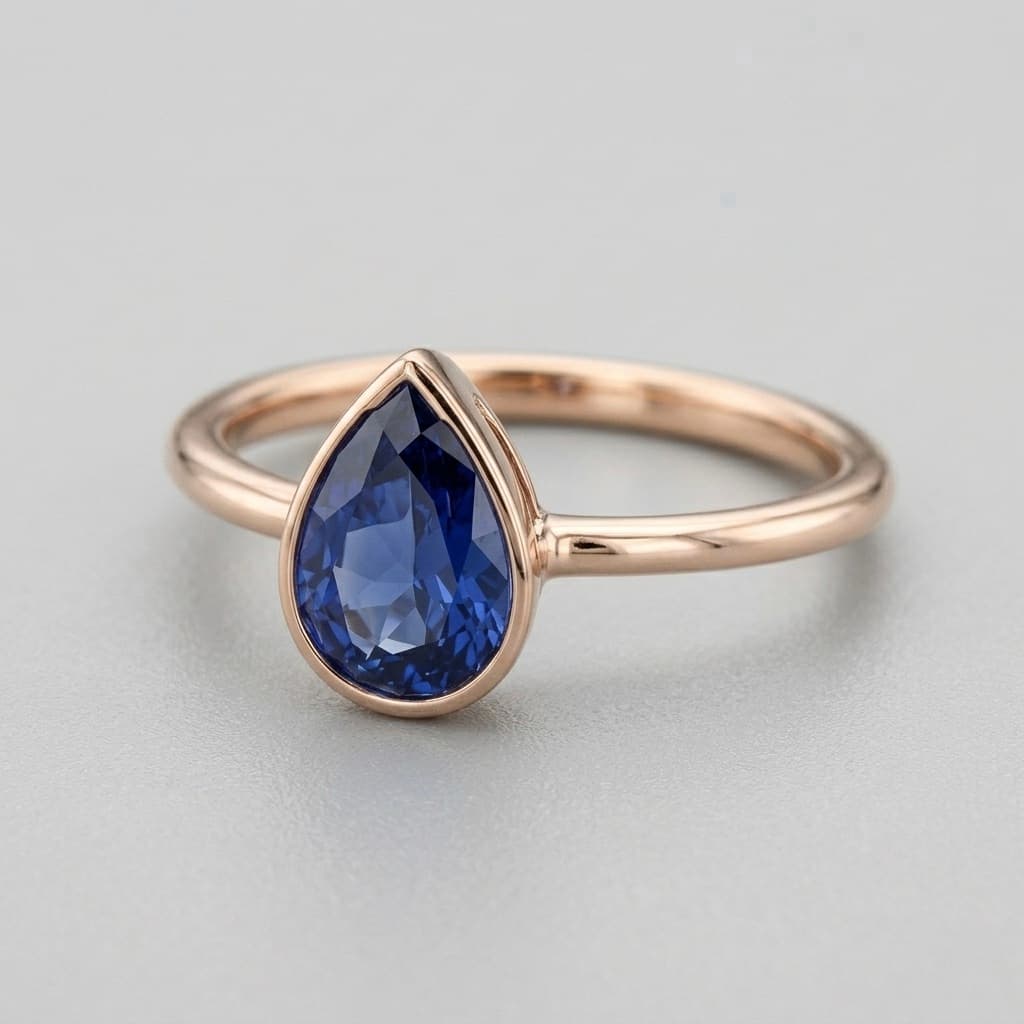
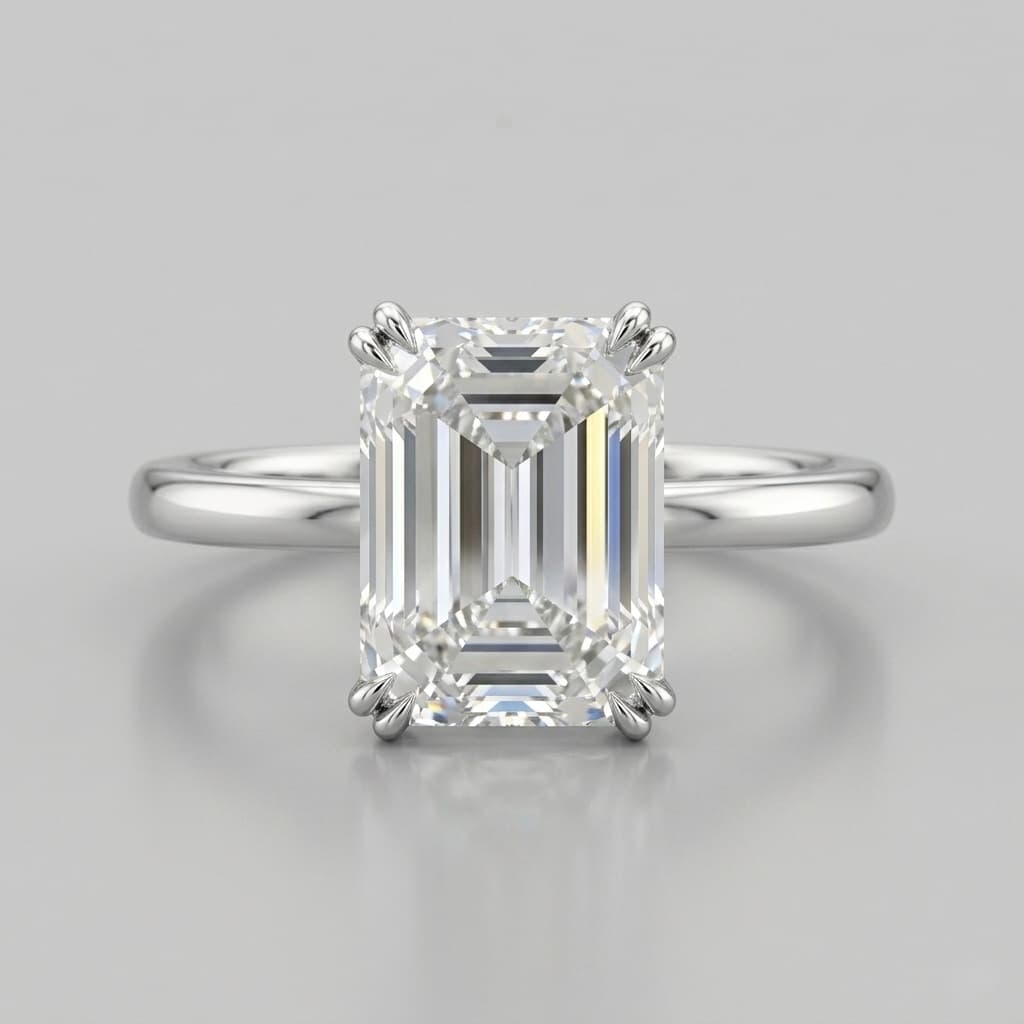
Prompt: Oval sapphire halo ring, white gold band, pavé setting, modern elegant style
Shared with client portal
Before — phone snapshot
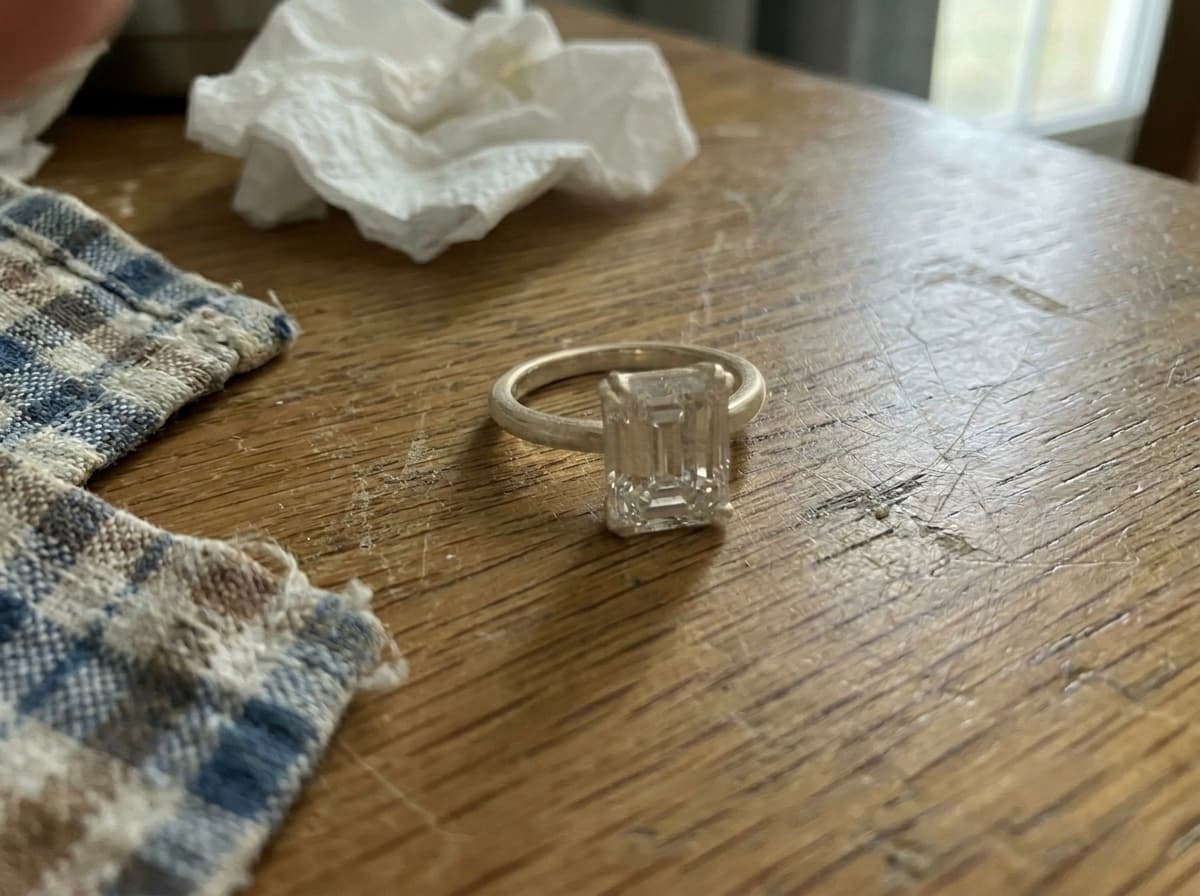
After — professional render
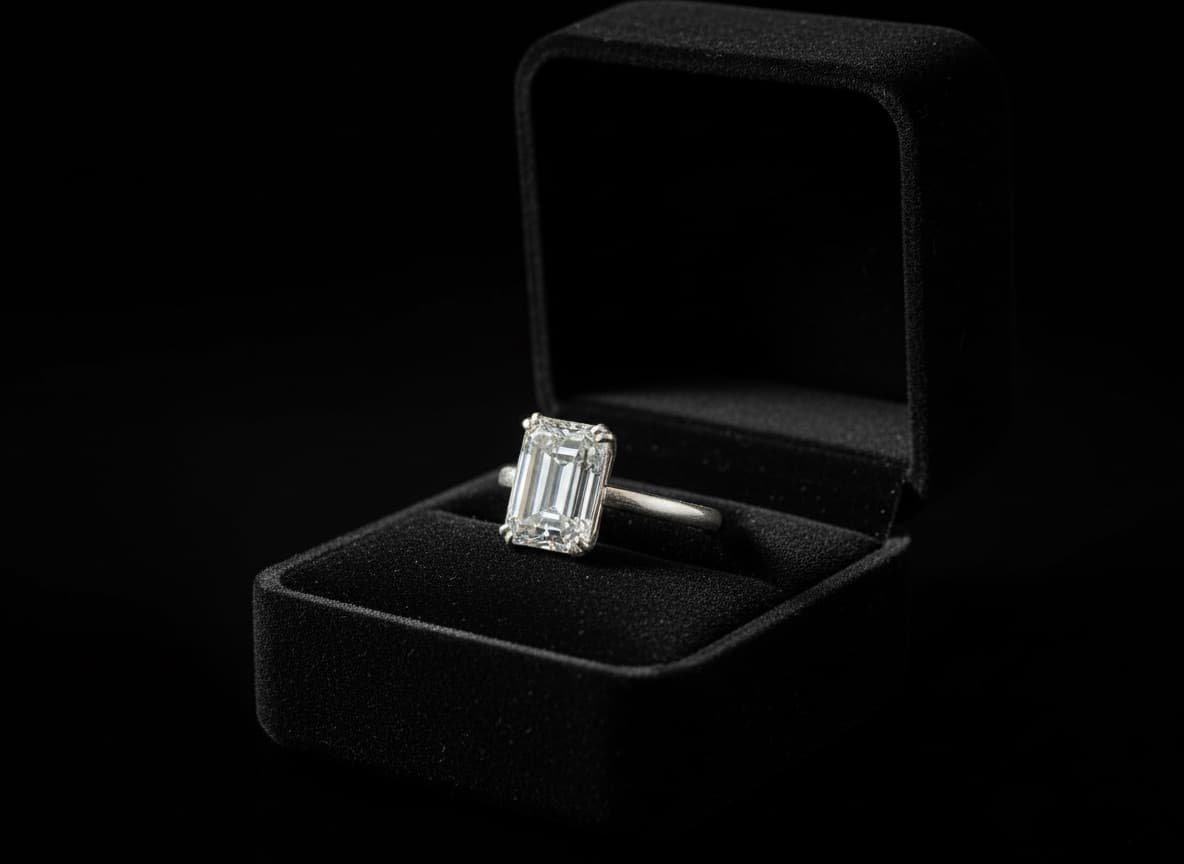
Zavara Photography
Phone photo in. Professional product shot out.
No photographer. No studio rental. No editing fees. Upload a photo of the finished piece and get a clean, professional image ready for Instagram, client portals, or your online store — saving $59–$300+ every single time.
- Product shots — clean studio backgrounds
- Model photography — lifestyle editorial images
- Client portal and catalog ready
Available on all plans
0:05
1080 × 1080NEW
Zavara Video Studio
From photo to video in seconds
Stop paying $500–$2,000 for professional video shoots. Upload a product photo and generate cinematic jewelry videos with smooth camera movements — ready for Instagram Reels, TikTok, your website, or client presentations.
- Upload any jewelry photo — even Zavara-generated ones
- Cinematic camera movements and smooth animations
- Download ready for Instagram Reels, TikTok, and websites
- 5 to 15-second clips, generated in ~30 seconds
Available on Professional & Ultra
Client Portal
A beautiful experience for every client
Every project gets a dedicated portal. No accounts to create, no apps to download. Just a link — and everything your client needs is right there.
- Magic link — no password or account required
- View design revisions with full version history
- Send messages directly to the jeweller
- Formally approve designs with one click
- See the project timeline as it unfolds
Emma's Project Portal
Sapphire Halo Ring
Revisions
Messages
Timeline
Ready to approve
Approve design
Engagement Ring — Layla Hassan
Awaiting approval
Custom Bangle — Maria S.
Revision posted
Signet Ring — James T.
In progress
Pearl Necklace — Aiko N.
Approved ✓
Project Management
Every project in one place
No more scattered WhatsApp threads, email chains, or spreadsheet rows. Every commission has its own workspace — conversations, revisions, approvals, and timeline in one organised view.
- Dashboard view of all active projects
- Per-project conversation thread
- Full revision and approval history
- Automated project timeline log
Jewellers love Zavara
“
I had a rough sketch and a reference gem. I described the setting in Zavara's Design Studio and within seconds had five concept directions to show my client. She picked one on the spot. No waiting for CAD, no back-and-forth emails. Smoothest sale I have ever made.
P
Priya M.
Bespoke Jeweller, Mumbai
“
I used to send blurry phone photos and track everything in a spreadsheet. Now I photograph the finished piece, run it through Zavara's Photography Studio, and get a studio-quality image straight into the client portal and my product catalog. It has transformed how I present my work.
T
Thomas K.
Independent Goldsmith, London
“
We run 30–40 commissions at a time. Briefs and approvals used to be scattered across WhatsApp, email, and notebooks. Now every project has its own space — conversations, revisions, approval records. My team knows exactly where things stand at a glance.
A
Ahmed K.
Custom Jewellery Studio, Dubai
Simple, transparent pricing
Start for free. Upgrade when your studio grows.
Free
$0
USD · foreverTest the platform or run a couple of orders.
- Up to 3 active projects
- Client portal & magic links
- Design revisions & approvals
- 5 Zavara designs + 3 photo render / wk
Studio
$24.99/ mo USD
For jewellers doing 5–15 custom orders a month.
- Up to 25 active projects
- Everything in Free
- 35 Zavara designs + 60 photo renders / wk
- Priority email support