Real results
Sketch in. Concept out.
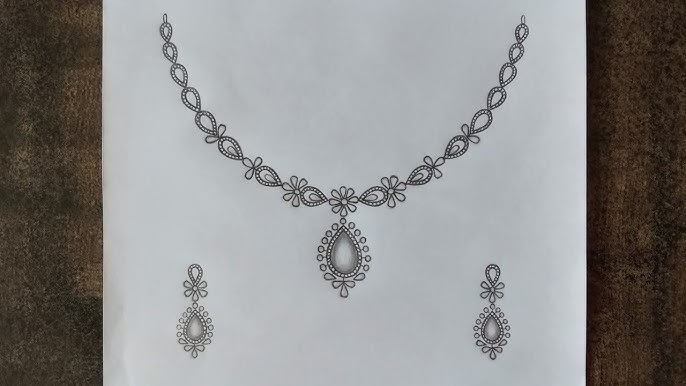
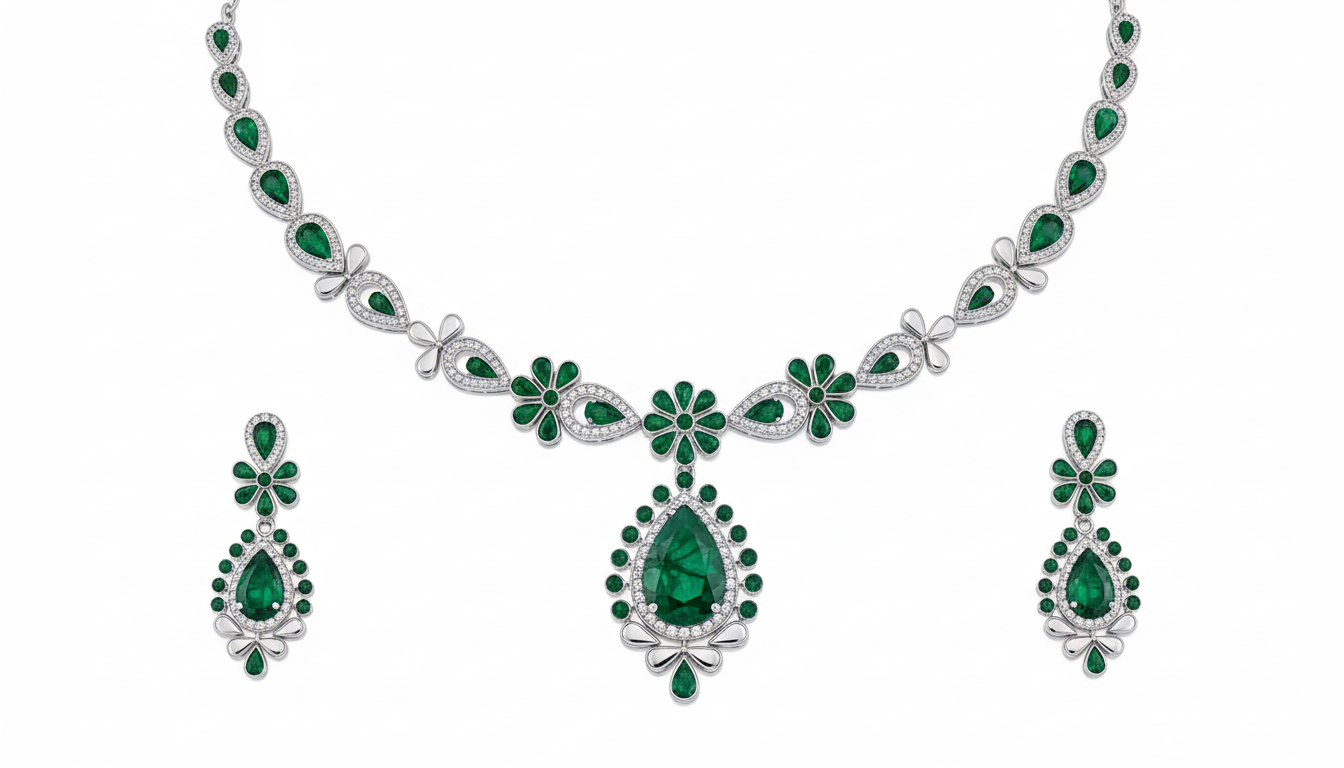
Upload any pencil drawing and Zavara renders a photorealistic concept — ready to show your client in the same meeting.
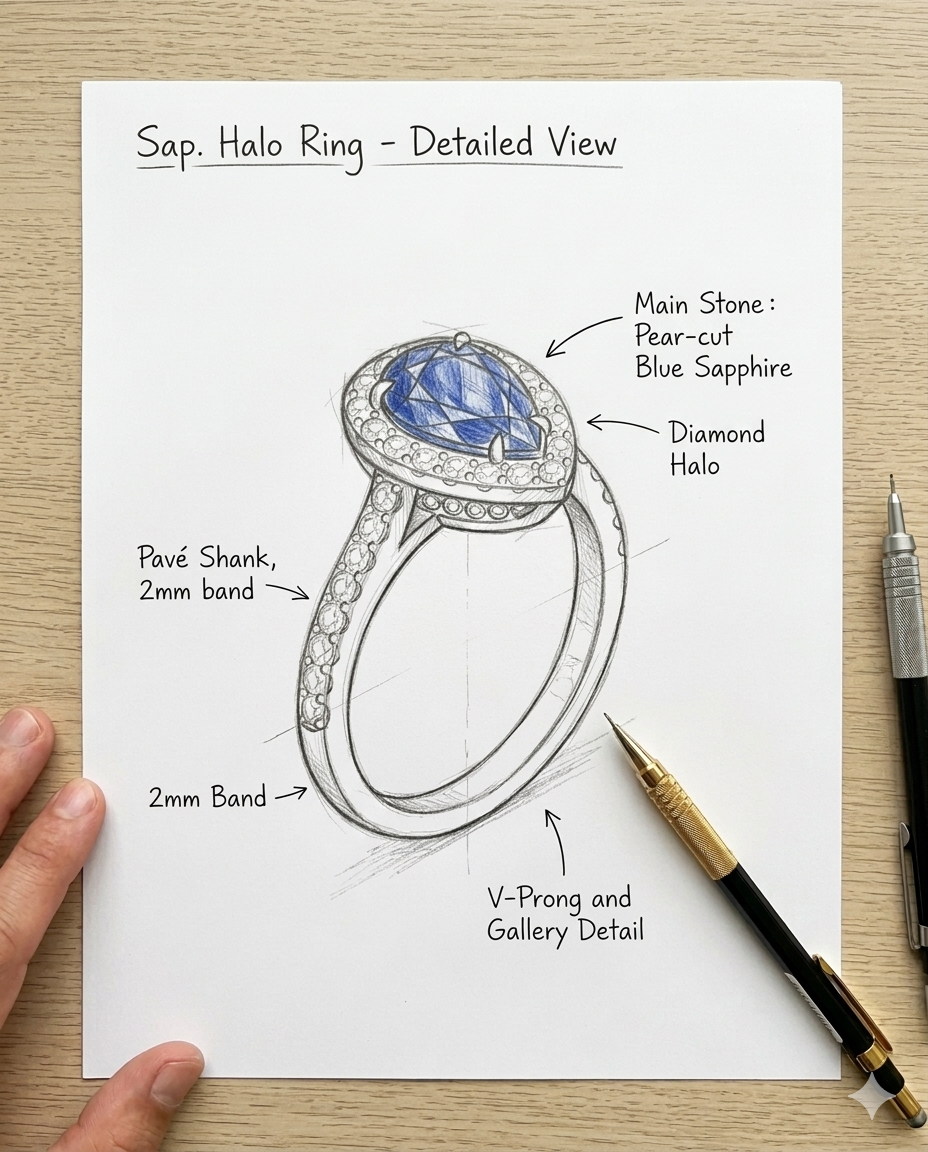
Your sketch
Hand-drawn sketch
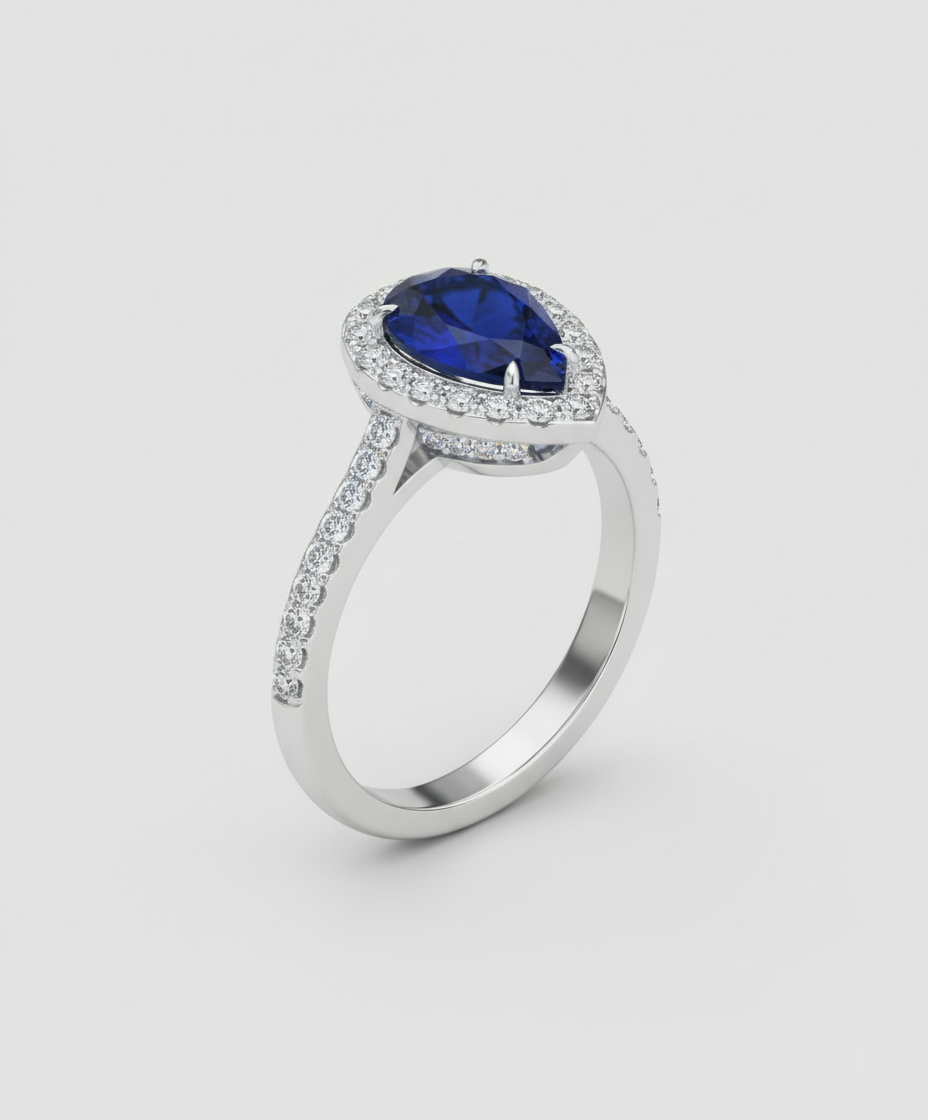
Zavara concept
Generated in seconds
Hand-drawn sketch → photorealistic concept
Show your client before a single cut is made — no CAD required.
$0
vs $200–400 CAD
2 min
vs 2 days
The problem with the old way
Clients can't picture it
Verbal descriptions and rough sketches leave too much to the imagination. Misaligned expectations cost you revision rounds.
CAD takes days
Commissioning a 3D render before a client has committed wastes time and money — especially if the direction is wrong.
Revisions pile up
Without a clear visual anchor, clients keep changing their mind. Each revision is another unpaid hour.
How it works
Zavara Design Studio
1
Describe or upload a reference
Type what the client wants, or upload a sketch or inspiration image. Zavara reads annotations, rough lines, and proportions.
2
Configure material and setting
Choose metal colour, gemstone, setting style, and finish from a guided panel. No design background required.
3
Share concepts to the client portal
Generated images appear in the client's portal instantly. They react, comment, and confirm — giving you a clear record of the agreed direction.
Rings, earrings, necklaces, bracelets
Each type has its own configuration tree — tailored options for every piece you make.
Sketch mode
Any pieceUpload any pencil or digital sketch and Zavara renders it as a photorealistic concept. Works for any jewelry type — rings, pendants, brooches, custom pieces. It reads annotations, shading, and proportions to stay true to your design intent.
Ring
Setting style, stone shape, halo, prong count, shank shape, finish, metal colour — every element configurable.
Earring
Stud, hoop, drop, or dangle. Motif, scale, stone, and finish options for each style.
Necklace
Pendant, chain, strand, or bib. Chain length, pendant category, stone, and clasp configuration.
Bracelet
Bangle or link styles. Width, finish, stone, and clasp — plus bead-type options.
What Zavara creates
Each render is generated from the configuration on the left — metal, setting, stone, and finish.
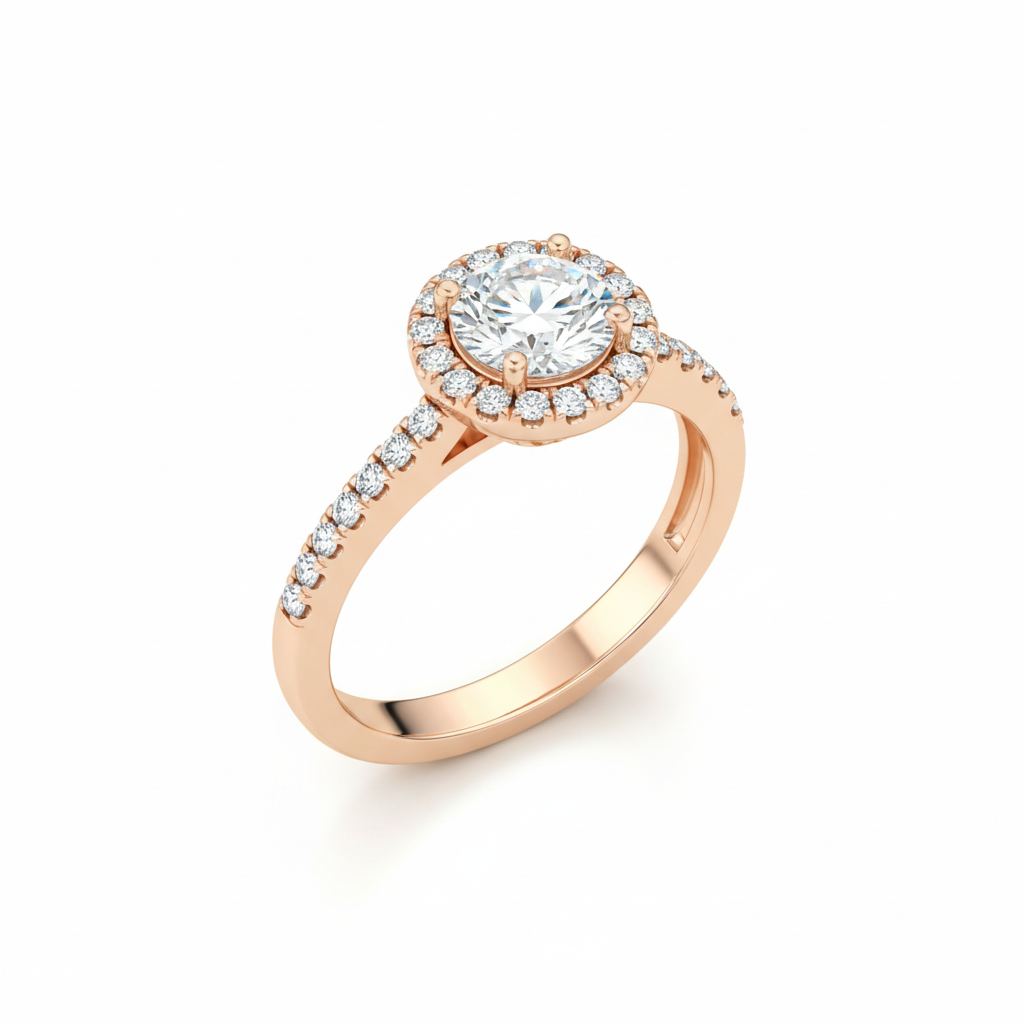
Ring
18K Rose GoldHalo SettingRound BrilliantMirror Polish
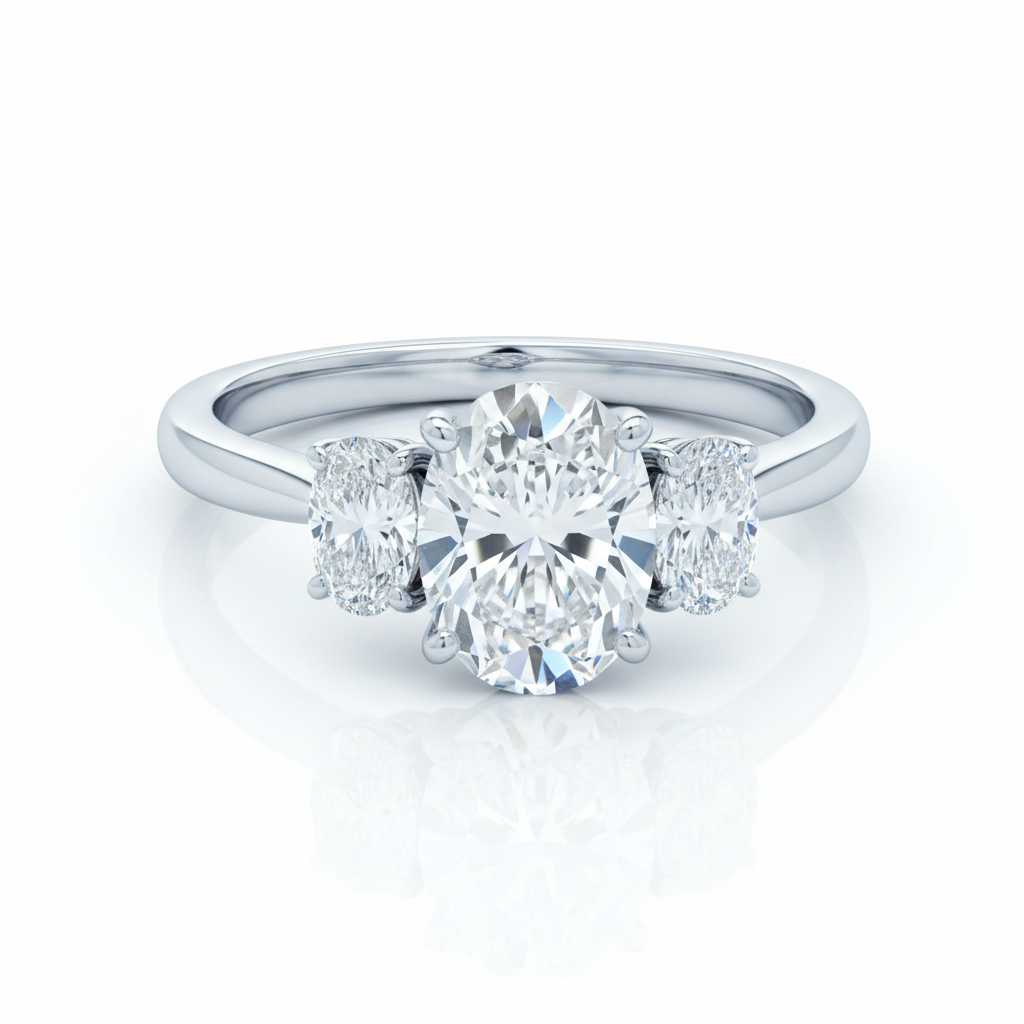
Ring
PlatinumThree StoneOval CutMirror Polish
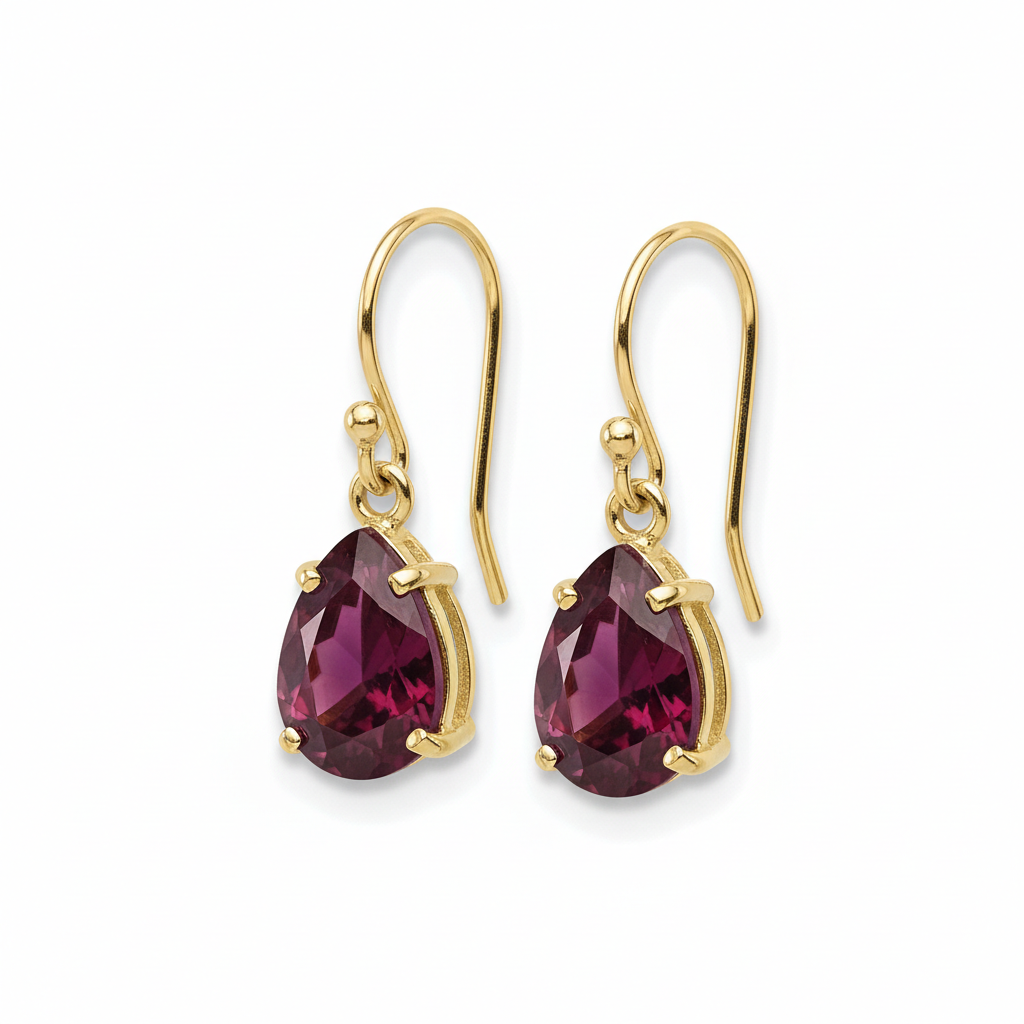
Earring
18K Yellow GoldDrop EarringPear CutHigh Polish
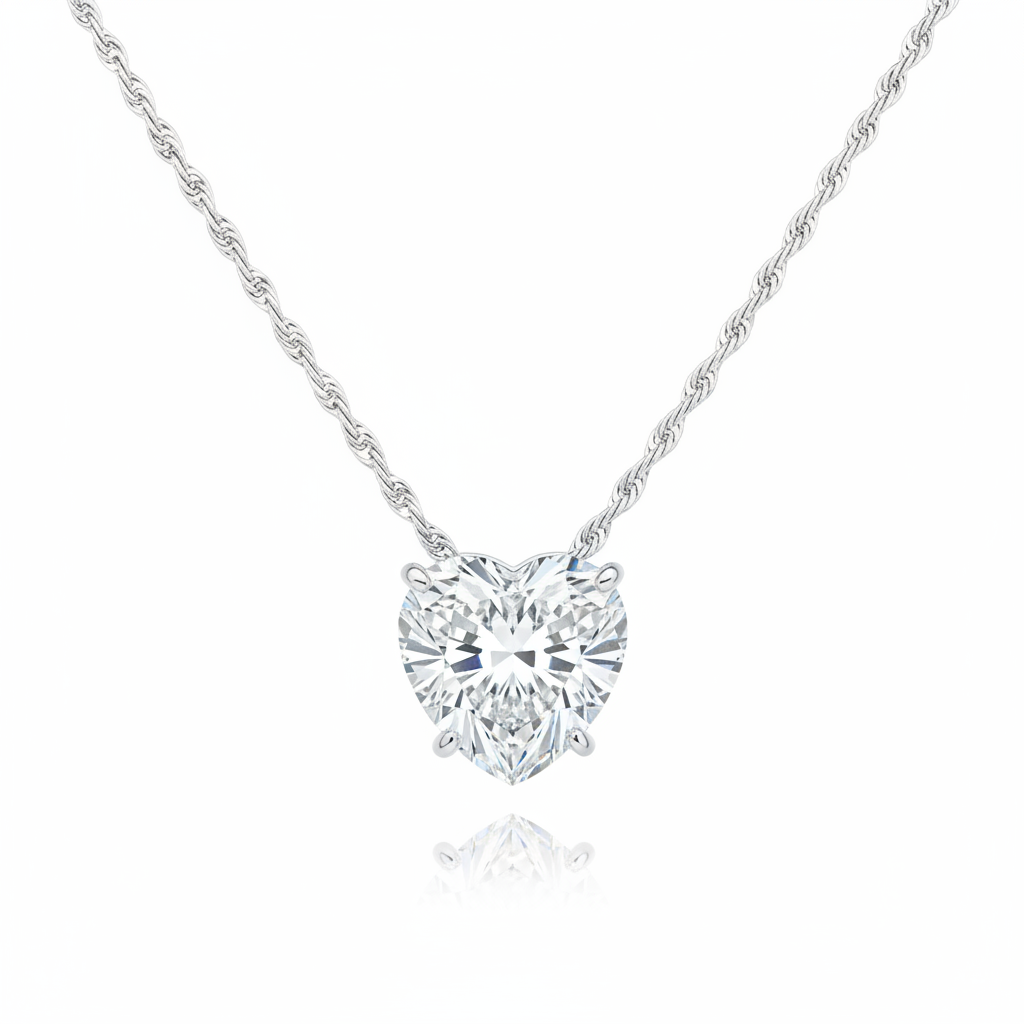
Necklace
14K White GoldPendantHeart ShapeMirror Polish
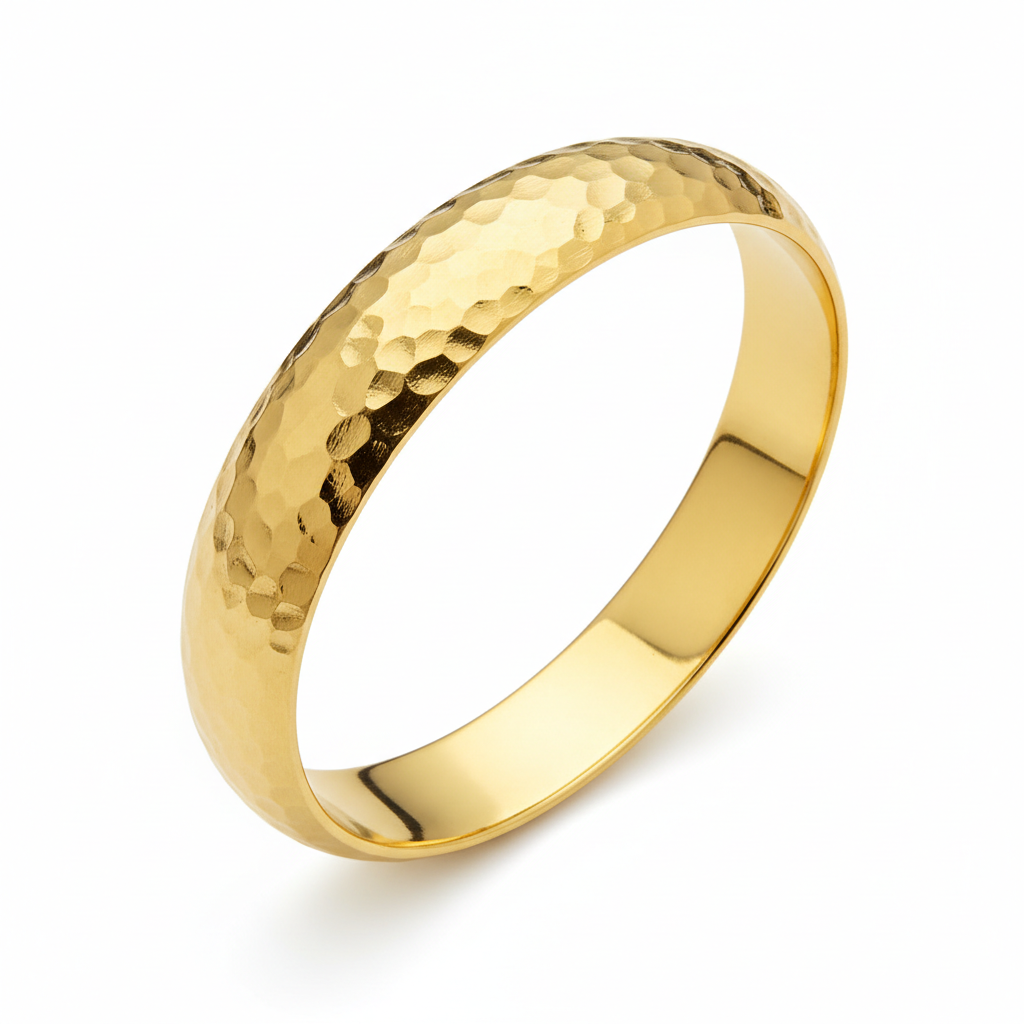
Bracelet
21K GoldBangleHammered Texture
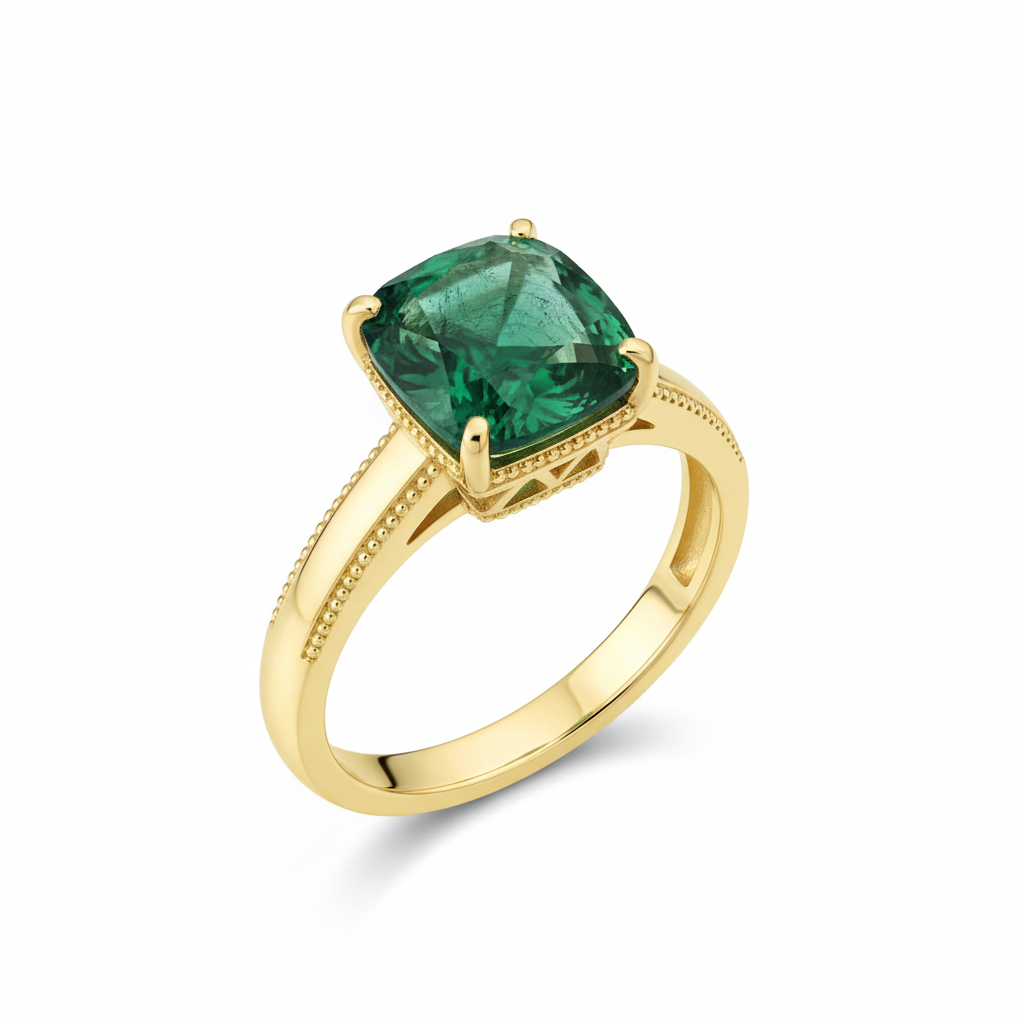
Ring
18K GoldEmeraldVintage MilgrainCushion CutAntique Finish
Sketch mode
From sketch to concept
Upload any pencil or digital sketch — Zavara reads proportions, annotations, and shading to generate a photorealistic concept.
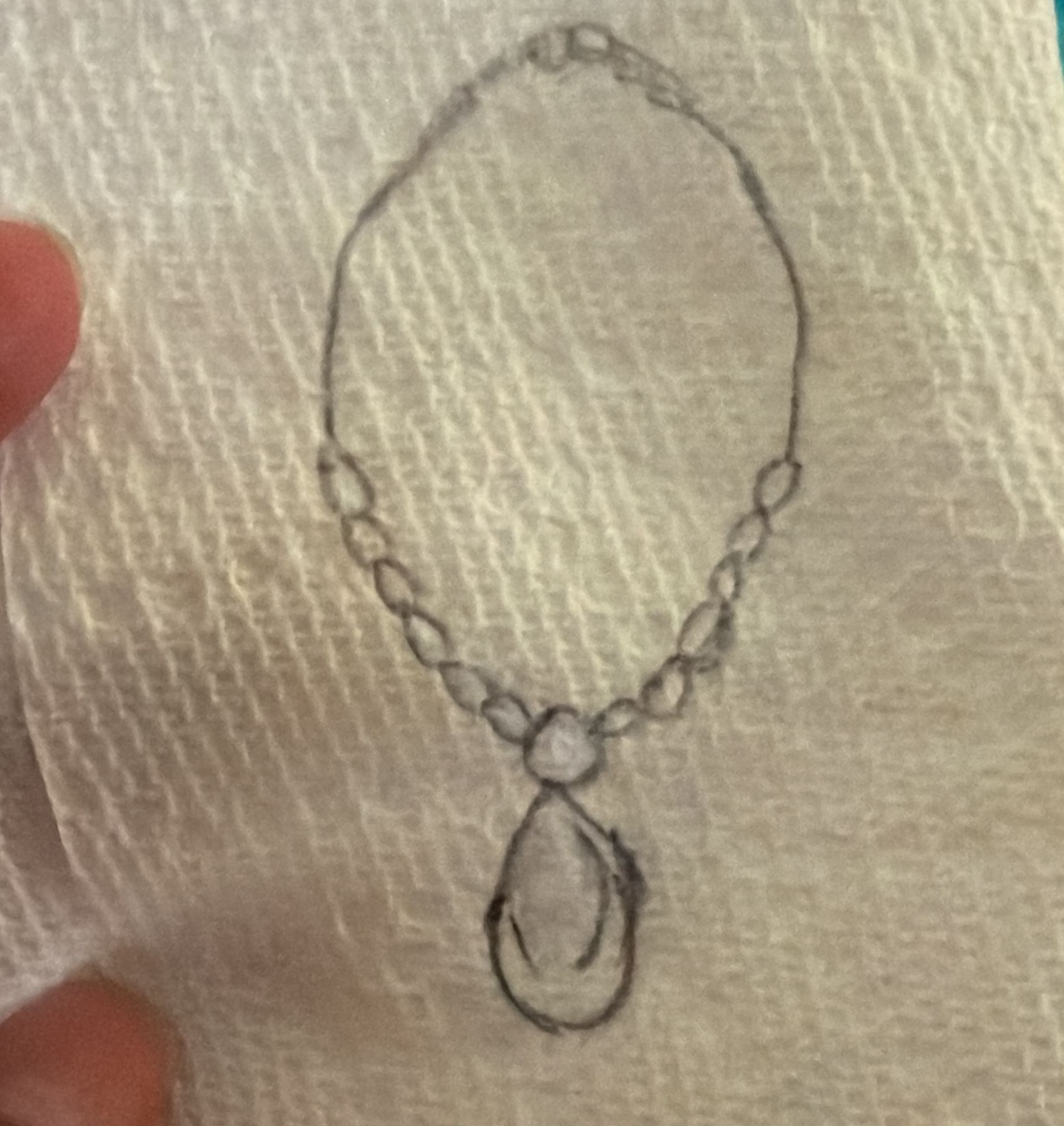
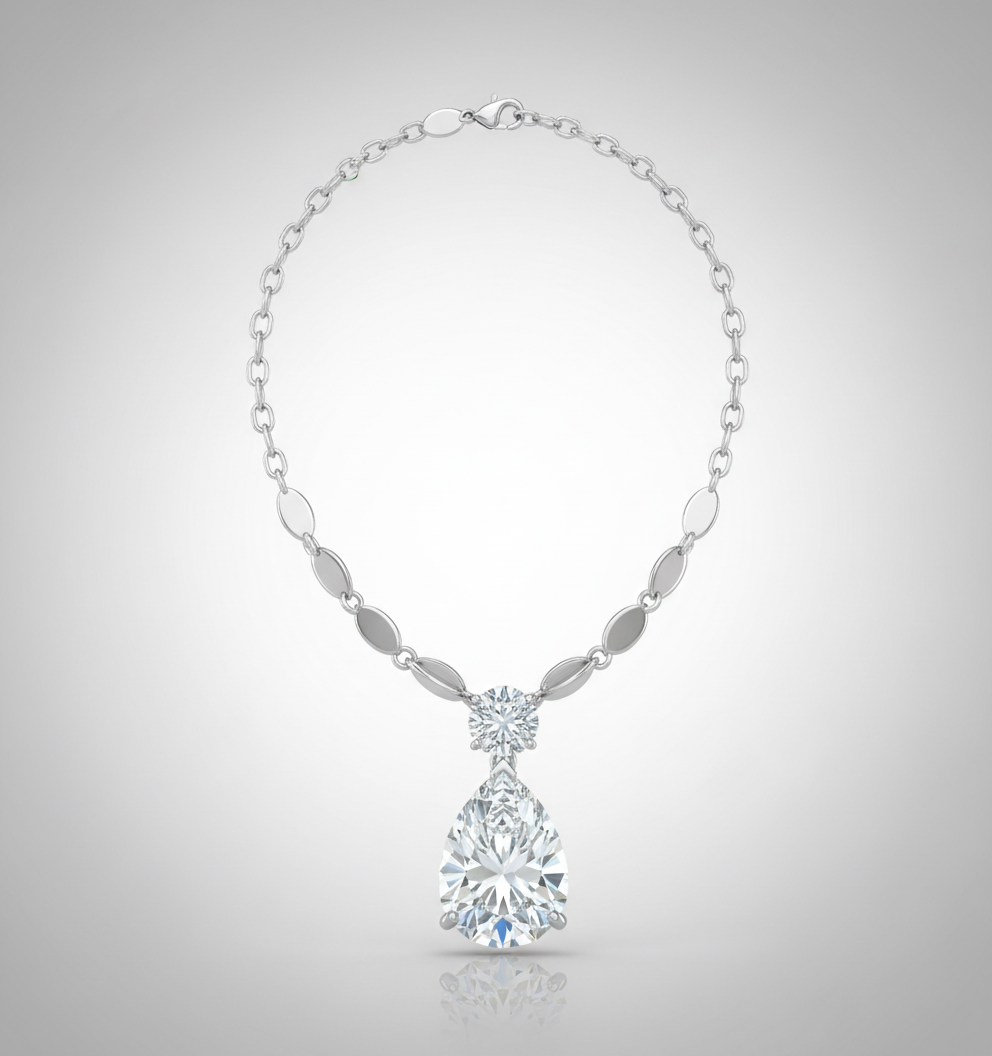
Solitaire ring
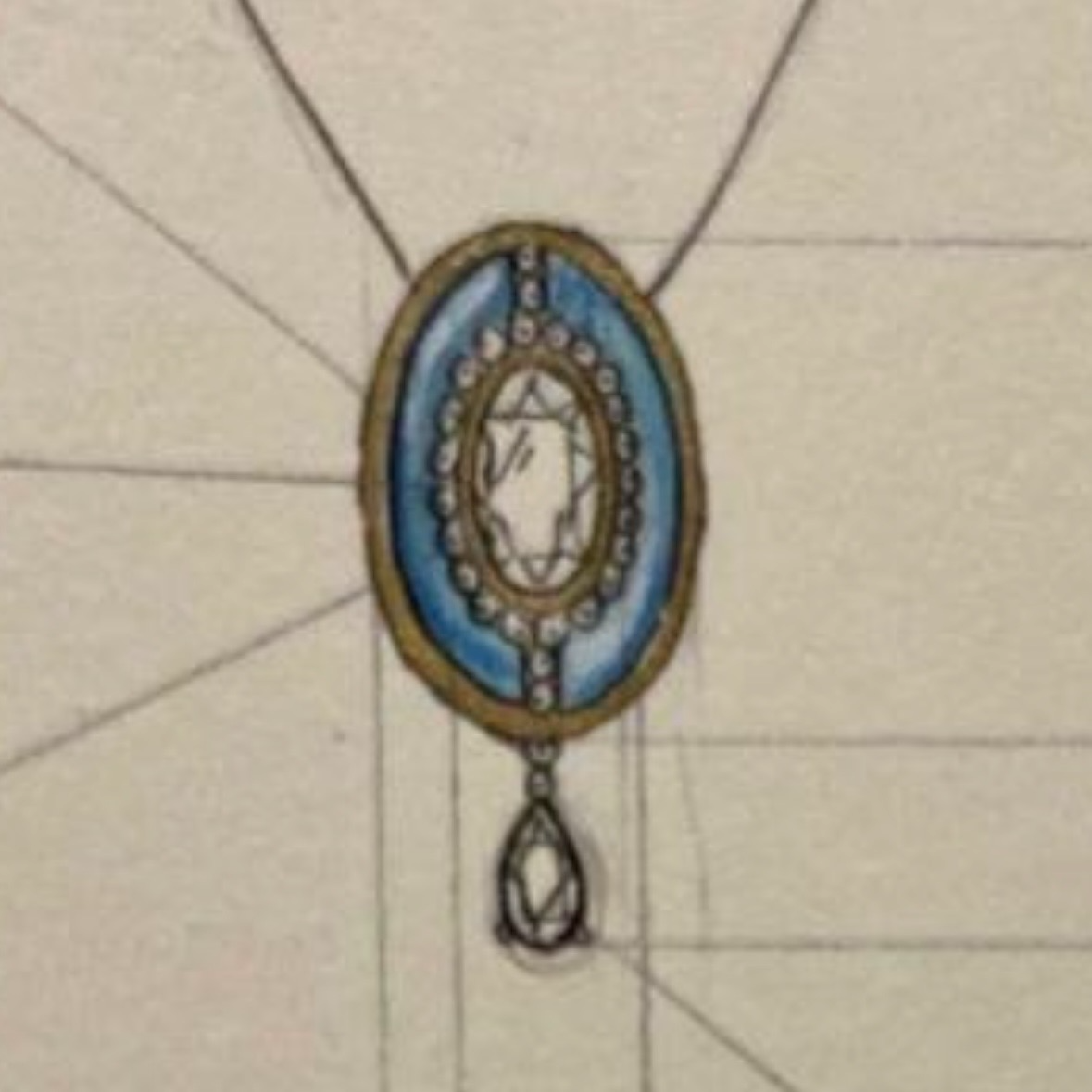
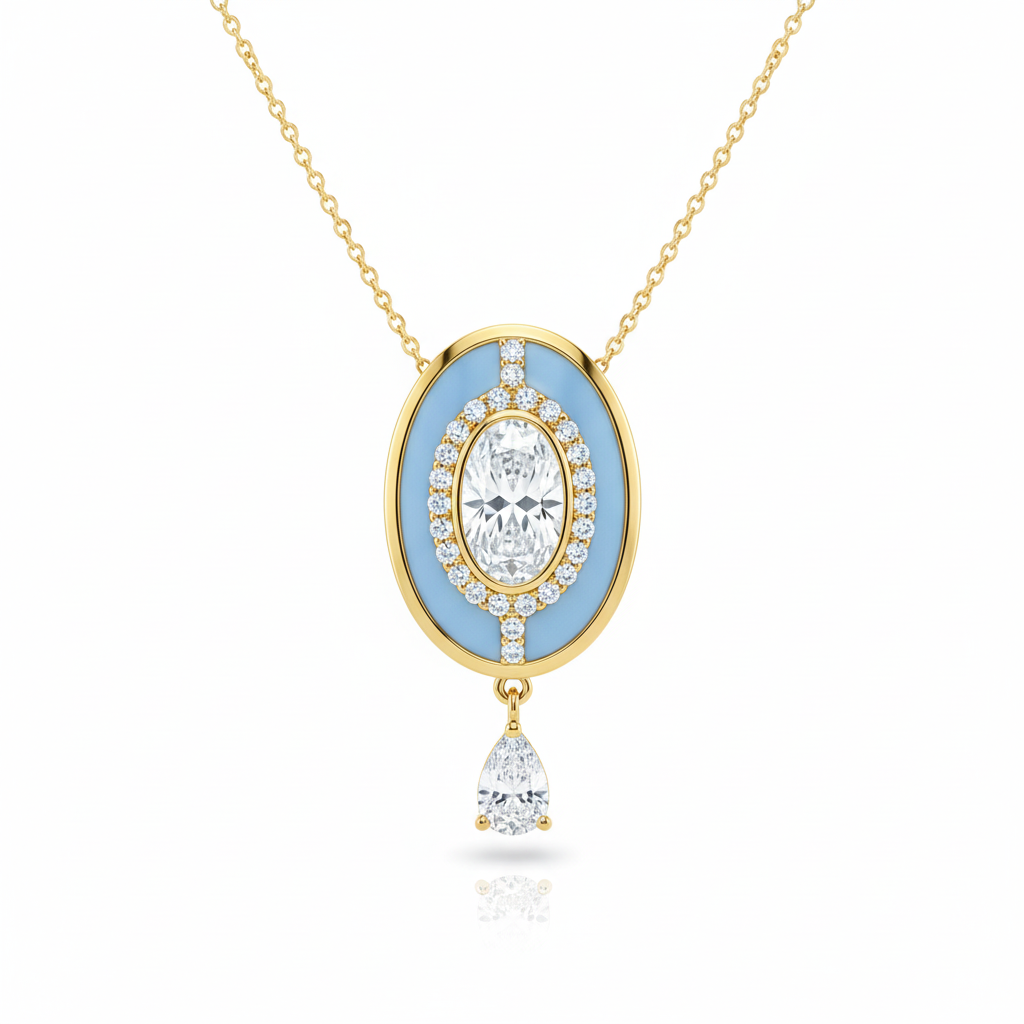
Pendant necklace
Drop earrings
I had a rough sketch and a reference gem. I described the setting in Zavara's Design Studio and within seconds had five concept directions to show my client. She picked one on the spot. No waiting for CAD, no back-and-forth emails.
Shahid A.
Jeweller, Karachi
We used to lose hours going back and forth on vague descriptions. Now clients see polished concepts before we commit to CAD. It has cut our revision rounds in half and made approvals so much faster.
Martin L.
Custom Jewellery Designer, Toronto
Available on
Free$05 designs/mo
Studio$24.99/mo35 designs/mo
Professional$79.99/mo100 designs/mo
Ultra$149.99/mo200 designs/mo
Questions about Design Studio
Do I need any design skill to use it?
None. You configure the design through a guided panel with dropdowns and toggles. Zavara does the creative work.
Can clients use the AI studio too?
Yes — clients with portal access can use the Design Studio to explore ideas, but cannot access Photography mode.
Do generation limits reset each month?
Yes. Design counts reset on the 1st of each month. Unused generations do not roll over.
What happens when I reach my limit?
You'll see a clear message with your next reset date and an option to upgrade for more generations immediately.